Claude and ChatGPT for FX Trading: What Works in 2026 and How to Set It Up 11월 19, 2026 – Posted in: Arbitrage Software, Forex trading
BJF TRADING GROUP · AI IN TRADING
Claude and ChatGPT for FX: from analysis to operating your trading software
What an AI assistant can really do in FX trading in 2026, what it cannot do, and how to connect Claude or ChatGPT to your trading software step by step.
In this guide
The short answer
Short answer: Claude and ChatGPT do not predict prices, and they are too slow to make trading decisions tick by tick. They are very good at three other jobs: reading your logs and results, explaining and checking your settings, and, when they are connected to your trading software, carrying out routine operations for you inside limits you set. The useful question is not “can AI trade FX for me” but “which part of my daily routine can I hand over”.
Three levels of using AI in FX
| Level | What you do | What the assistant sees | Typical use |
|---|---|---|---|
| 1. Chat | Paste text or upload a file into the chat | Only what you paste | Review a trade history, summarise a log, explain an error message |
| 2. Assistant for code and settings | Ask it to explain or draft strategy logic and parameters | Your description and files | Check a settings file, draft a filter, compare two parameter sets |
| 3. Connected agent | Connect the assistant to your trading software through MCP | Live data from the software: sessions, strategies, logs, results | Status reports, monitoring, starting and stopping strategies, scheduled routines |
Most traders stop at level 1. The real saving of time starts at level 3, because you no longer copy anything by hand: the assistant reads the data itself and answers in plain language, from your computer or your phone.
What Claude and ChatGPT cannot do
- They do not know the current price. Without a connection to a data source, a language model has no live quotes. Anything it says about “today’s market” is a guess unless it has read real data.
- They cannot forecast. A fluent explanation of why a pair “should” rise is not an edge. Treat any directional call from a chatbot as an opinion.
- They are slow for execution. A model answers in seconds. Strategies that depend on speed, such as latency arbitrage, decide in milliseconds, so the decision must stay inside the trading software. We compared the two in LLM vs latency arbitrage.
- They can be confidently wrong. Always ask for the numbers behind a conclusion and check them against your own records.
For a wider view of the question, see Can AI trade forex?
Level 1 and 2: analysis prompts that work
Good prompts give the assistant data and a narrow task. Three examples you can copy:
- Trade history: “Here is my closed-trade history for last week as a CSV. Group the trades by symbol and by hour of day. For each group give the number of trades, the win rate, the average holding time and the average slippage. Point out anything that looks unusual.”
- Log review: “Here is the strategy log from 08:00 to 12:00. List every error and rejected order with its time, and group them by cause. Do not guess the cause when the log does not say.”
- Settings check: “Here are two versions of my strategy settings. List every parameter that differs and explain in one sentence what each change does. Do not recommend values.”
The last sentence of each prompt matters: it tells the model where to stop, which is where most wrong answers come from.
Level 3: connect the assistant to your trading software
MCP (Model Context Protocol) is an open standard that lets an AI assistant call the functions of another program. When trading software has an MCP server, Claude or ChatGPT can ask it questions directly and, if you allow it, give it commands. Our MCP for trading guide explains the protocol in detail.
SharpTrader AI Agents is the MCP server built into SharpTrader. With it the assistant can:
- read sessions, strategies, orders, logs and performance figures;
- connect sessions and start or stop strategies;
- read and change strategy settings, or clone a strategy, when you switch that permission on;
- read values of 76 technical indicators calculated on the software’s own candles;
- show how the order flow of an account looks from the broker’s side, and book ordinary non-toxic orders inside limits that only you can change.
Setup in four steps
- Update SharpTrader to the latest version and open Settings, AI agents (MCP).
- Start the server and choose permissions. Everything that changes something starts switched off; reading is enough for the first day.
- Add SharpTrader to your assistant. For Claude Desktop, install the SharpTrader extension file and paste the server address and access token from the settings page. For ChatGPT, Cursor or VS Code, use the ready-made configuration buttons on the same page.
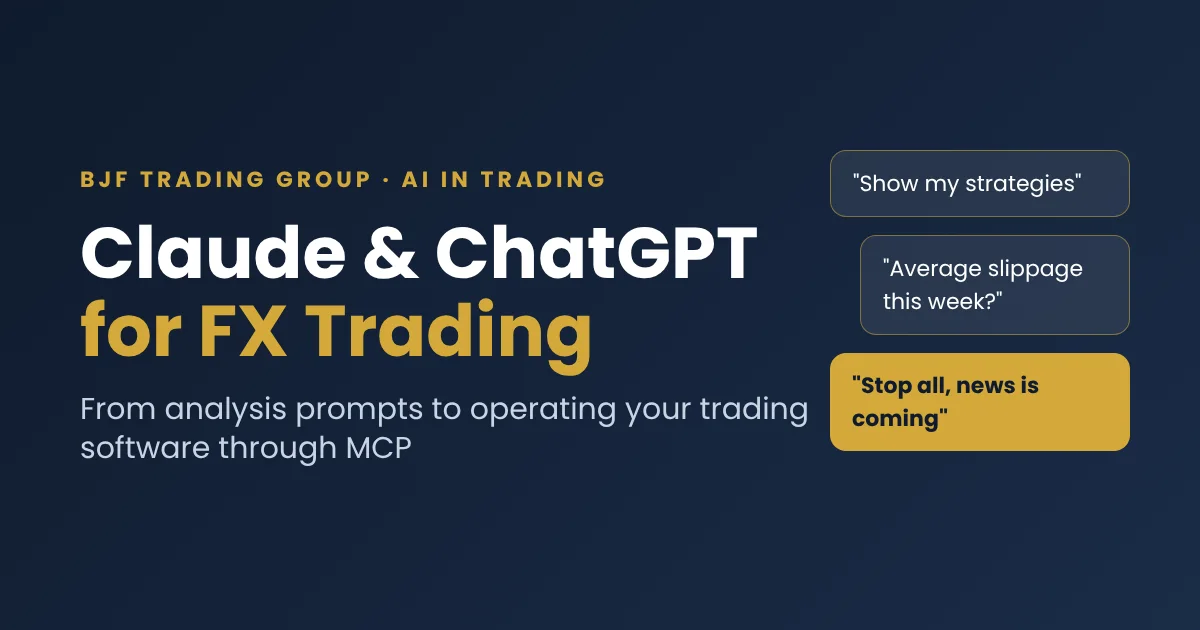
- Ask the first read-only question, for example “Show my SharpTrader strategies”, and check the answer against the screen.
The assistant decides nothing about speed-critical trading. Arbitrage strategies keep running inside SharpTrader exactly as before; the assistant watches, reports and operates around them.
Example requests
| You say | What happens |
|---|---|
| “Give me a short status of SharpTrader.” | A summary of sessions, strategies and anything that needs attention |
| “Which sessions are disconnected?” | A list with the time of the last disconnect |
| “What was the average slippage of my strategy this week?” | Figures from the performance data, per session or per strategy |
| “Show the last errors in the log of this strategy and group them by cause.” | A grouped list taken from the real log |
| “Stop all strategies, news is coming.” | Strategies stop, if you allowed control |
| “How does the flow on my main account look to the broker?” | Share of very short trades, typical holding time and other flow figures |
All of this also works by voice from a phone, because the assistant runs in your Claude or ChatGPT account and SharpTrader runs on your computer or VPS.
Safety checklist
- Start read-only. Turn on control, settings and order permissions one at a time, when you have a reason.
- Set limits per account. Maximum volume per order, number of orders at once and per hour, and maximum holding time are set in SharpTrader. The assistant can read them and cannot change them.
- Protect the access token like a password, and open the server port only to your own address.
- Test on a demo account first and read the log of every call.
- Ask for confirmation. Tell the assistant to show its plan before any action that changes something.
무료 차익거래 스캐너 + 짧은 이메일 강좌
무료 스캐너 링크와 Boris의 짧고 실용적인 이메일을 받아 보세요. 비용을 뺀 뒤 가격 차이가 실제로 의미하는 것, 실제 자금을 투입하기 전에 전략을 테스트하는 방법, 그리고 어떤 도구가 여러분의 시장에 맞는지 알려 드립니다. 과장은 없습니다. 이메일은 영어로 발송됩니다.
FAQ
Can Claude or ChatGPT trade FX automatically?
Not by themselves. Connected to trading software through MCP, they can start and stop strategies and book orders inside limits you set. The trading decisions of fast strategies stay in the software.
Which is better for FX, Claude or ChatGPT?
Both can connect to SharpTrader through MCP and both handle log and result analysis well. Choose the one you already use every day; you can connect more than one.
Do I need to know how to program?
No. You write or say requests in plain language. Setup means installing one extension or pasting one configuration block.
Does using AI guarantee profit?
No. An assistant saves time and reduces routine mistakes. Trading involves risk, and no software removes it.
